
The build system behind my work
The best fully autonomous agent, remote controlled from your phone.
I built Mantis because I needed a workflow that could keep up with how fast I build. I needed something much better than what the big AI labs were giving me.
This is the build system I used to build every real-world product below.
Mantis itself is in private beta. Install details are below.
Your workflow—not theirs
Build the workflow. Chain the specialists.
Codex coordinates the job. A skill can bring in Claude for the front end or Gemini for customer-facing copy, then keep the result inside the same live project. You decide the rules.
Run the real terminal, files, browsers, tests, and installed apps. Change the specialist without changing the project.

Proof, not promises
This is the build system I used to build all of this.
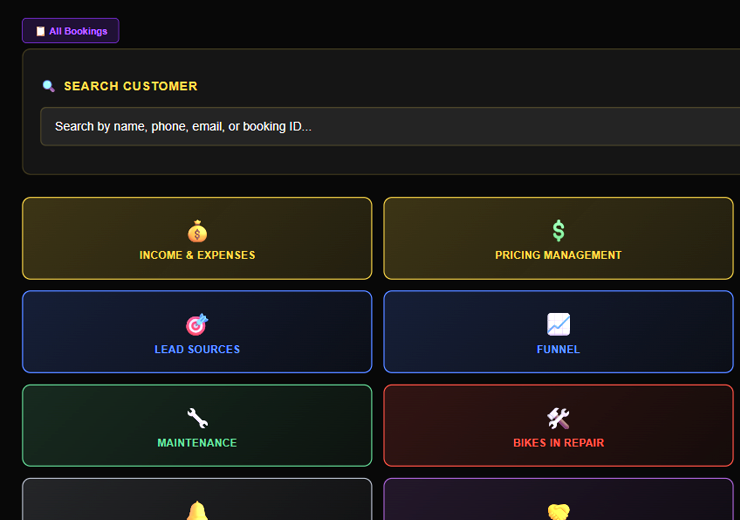
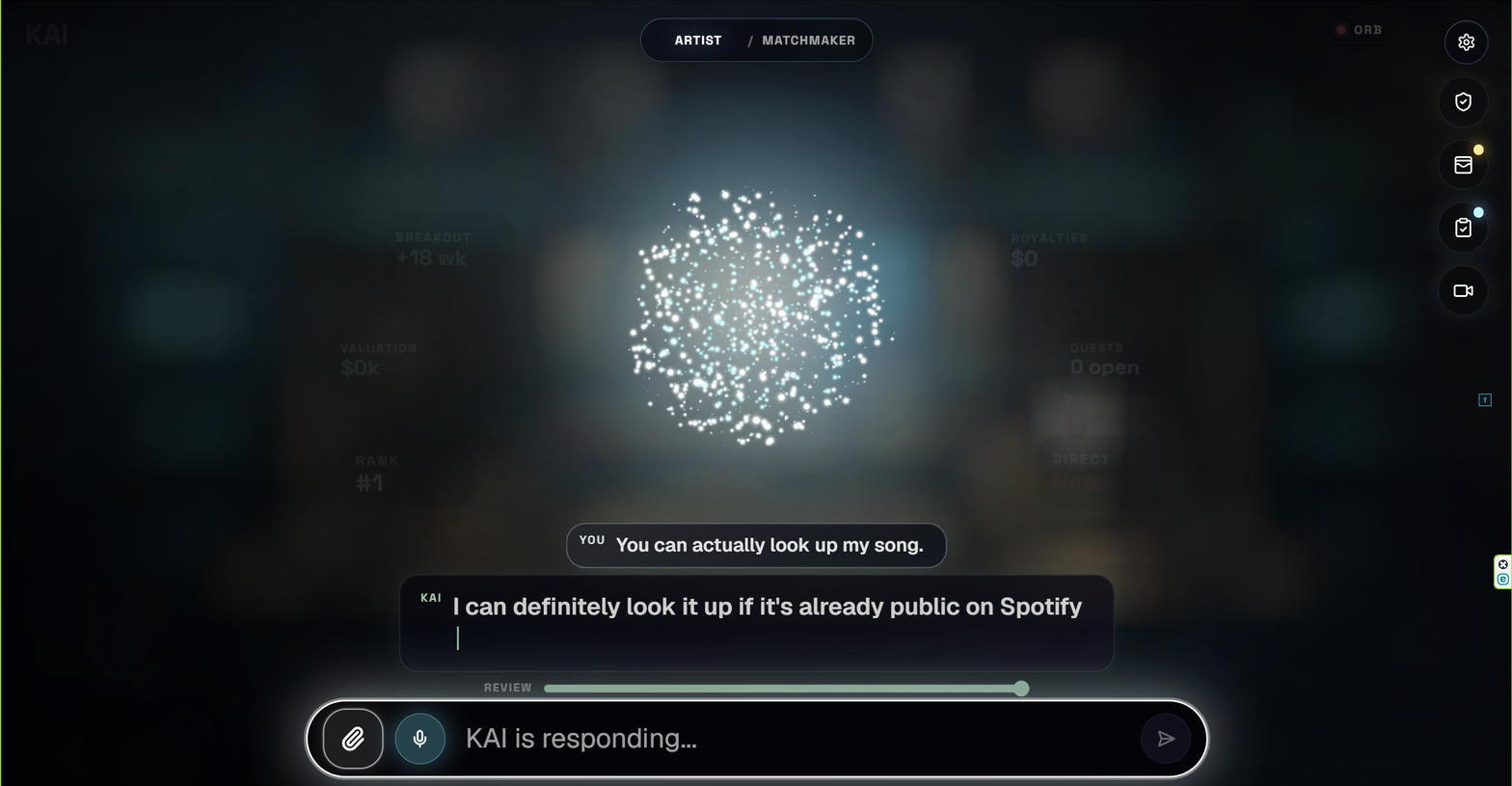
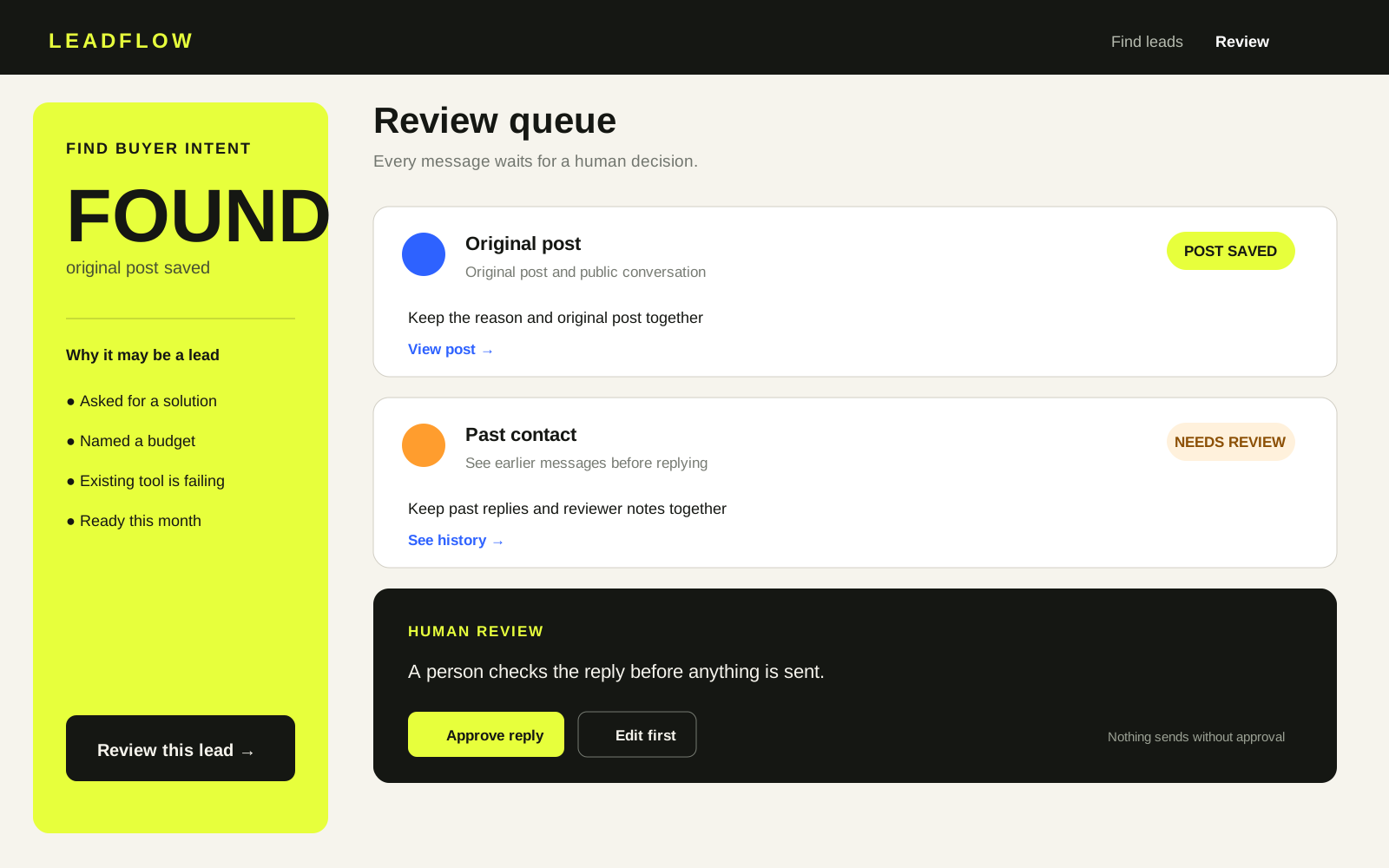
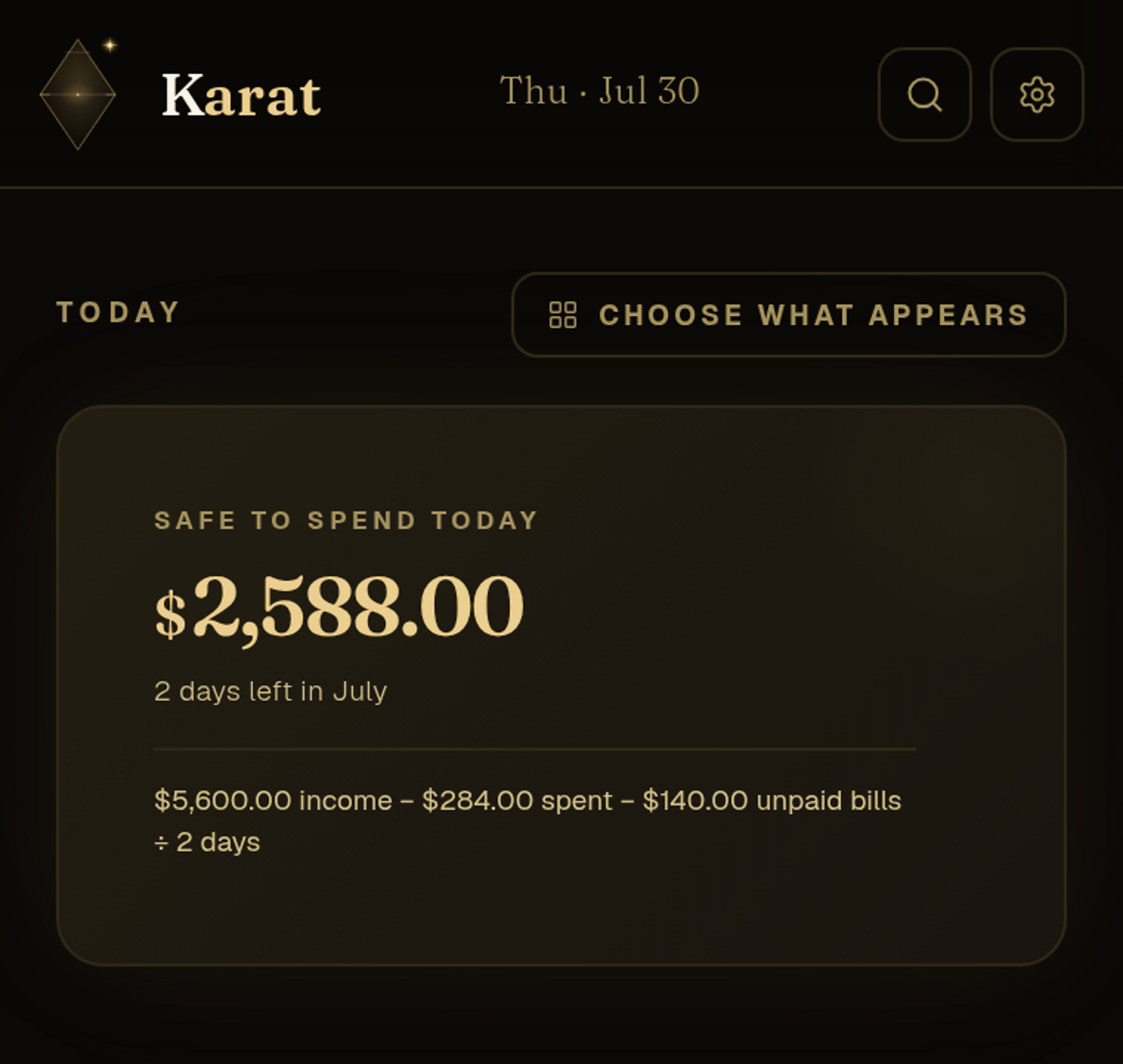
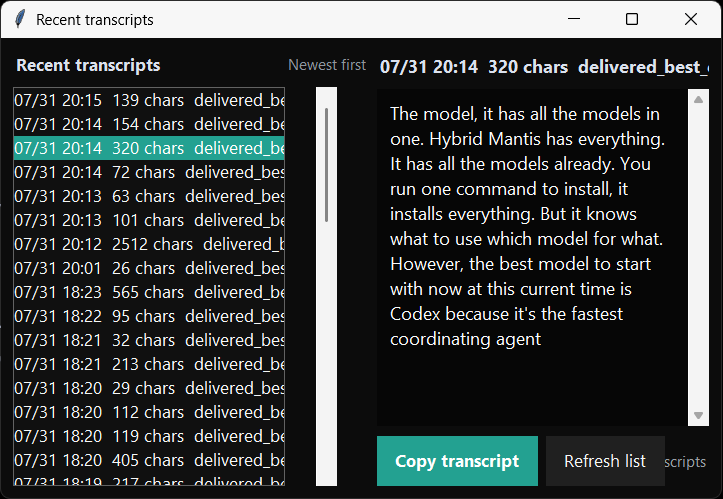
The work at a glance
Every session tells you what it is doing.
Mantis names each session from the goal and recent work, then updates the working tail as the job changes.

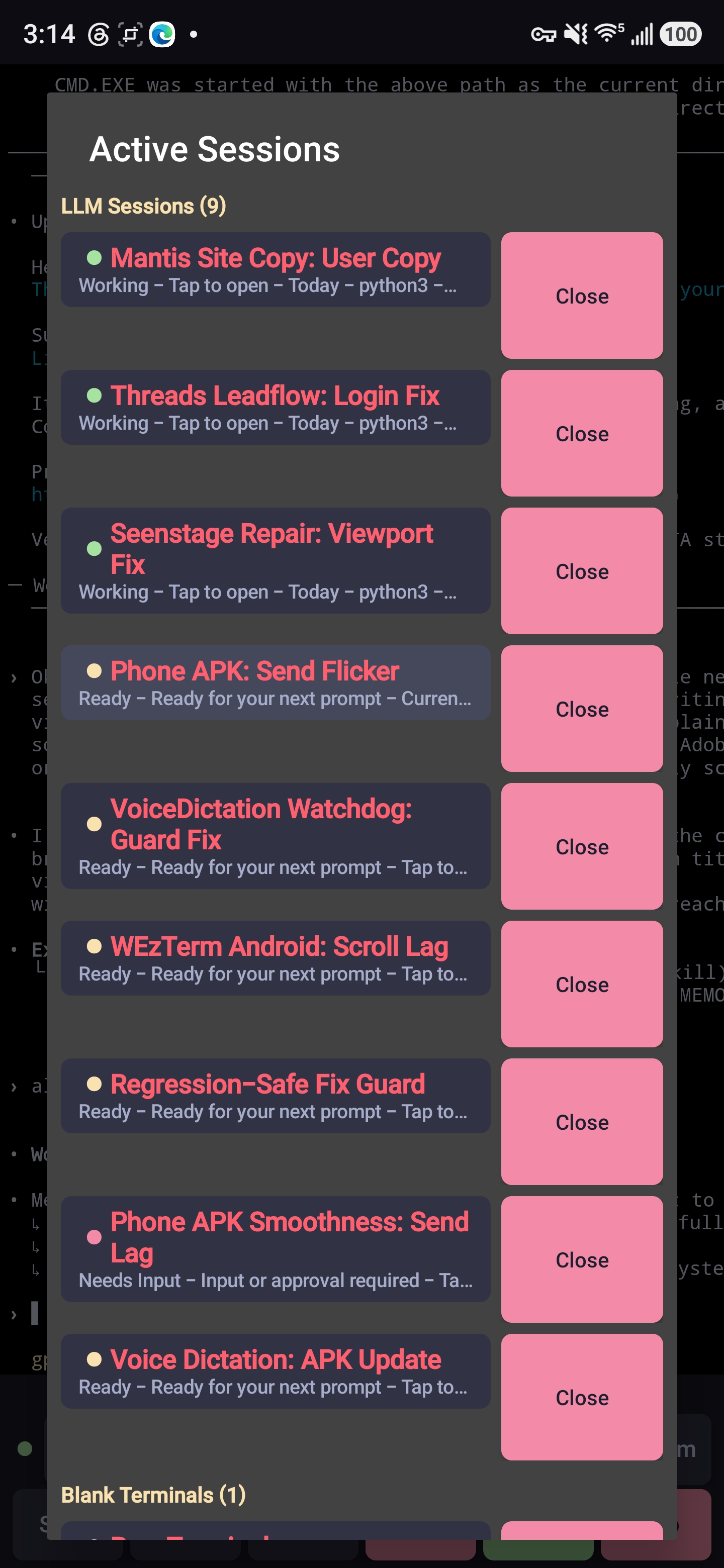
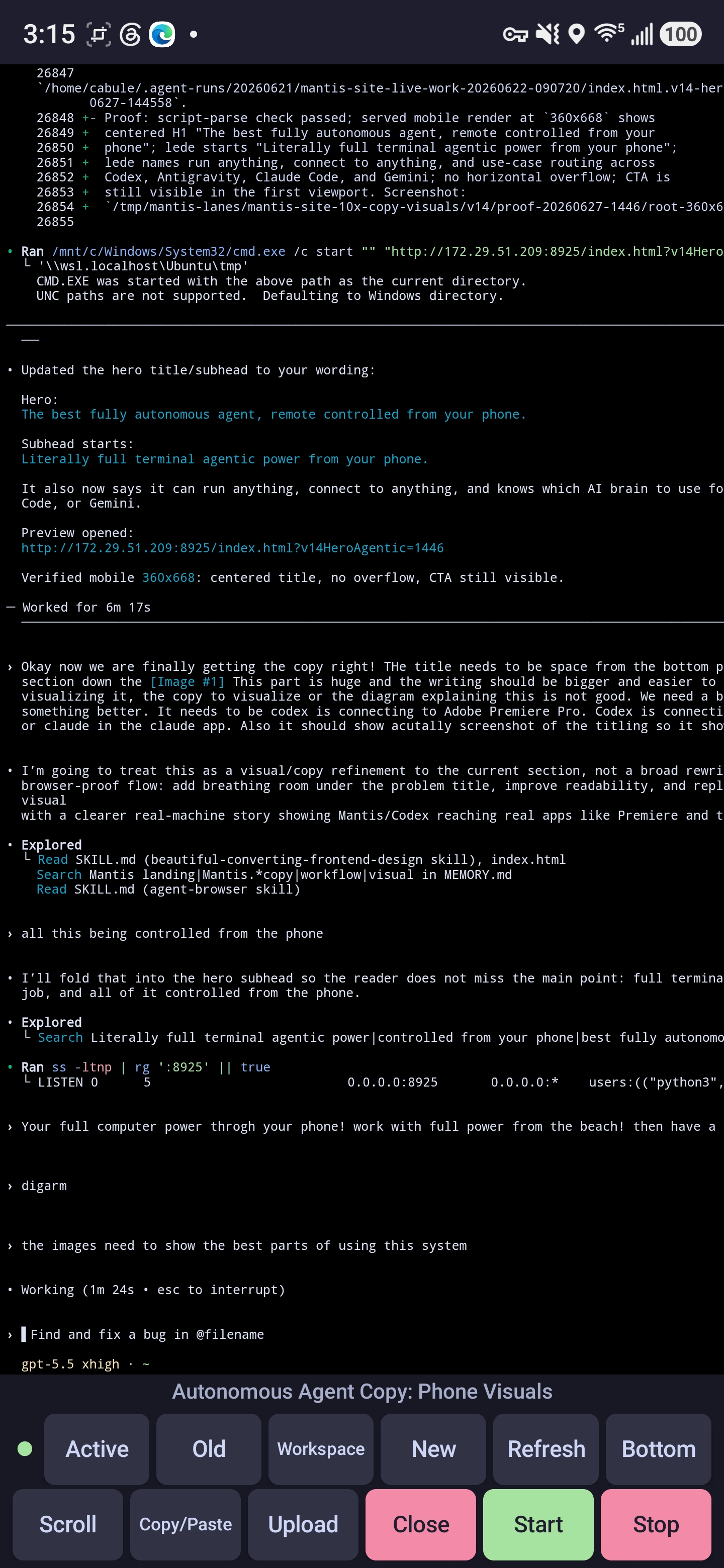
Workspaces autosave. Restore the layout or resume an older Codex thread when you need it.
The built-in rulebooks
Teach the system how you work.
A skill tells the coordinator how to do the job, when to call a specialist, and what proof must pass before the work is finished.
- BuildEngineering, debugging, testing, and code review.
- Make it clearBrowsers, front ends, design, and media.
- Sell itCopy, SEO, conversion, ads, email, and social.
- Connect itGoogle Workspace, Slack, Stripe, and other tools.
- Research itProduct, market, competitor, and source research.
- Run itAgent coordination, recovery, deployment, and phone control.
Free business audit
Show me the business flow. I’ll build the system that fixes it.
You do not need to know what is broken. Show me what customers do and what each role does.
Install the core system with one private command.
Create an account and run the generated command on the workstation. Then sign in to the providers you use and link Android.
Free during beta. The install and remote link are tied to your Google account.